
Stable release
v0.5.0Tagged September 2, 2026
Clipwise v0.5.0 · Available now
Copy text, pick an action, paste the result. Rewrite, translate, summarize — powered by Apple Intelligence, OpenAI, Anthropic, or local CLI tools.
Project status
Clipwise is available now and actively maintained. It remains an early 0.x app, so configuration and provider behavior may evolve before 1.0.
Stable release
v0.5.0Tagged September 2, 2026
Availability
Available now
GitHub, Homebrew, and Mac App Store
Platform
macOS 26+
Apple Silicon and Intel
Development
Actively maintained
Early 0.x release
New and improved in v0.5.0
01
Copy text in any app, pick an action from the menu bar, and paste the result. No browser, no context switching.
02
Use on-device Apple Intelligence, OpenAI-compatible APIs, Anthropic, or local CLI tools. Pick a different provider for each action.
03
Start actions from built-in writing, summary, translation, and grammar presets, then test the result before adding it to your menu.
04
Verify OpenAI-compatible and Anthropic settings with a small test request before relying on them in your workflow.
05
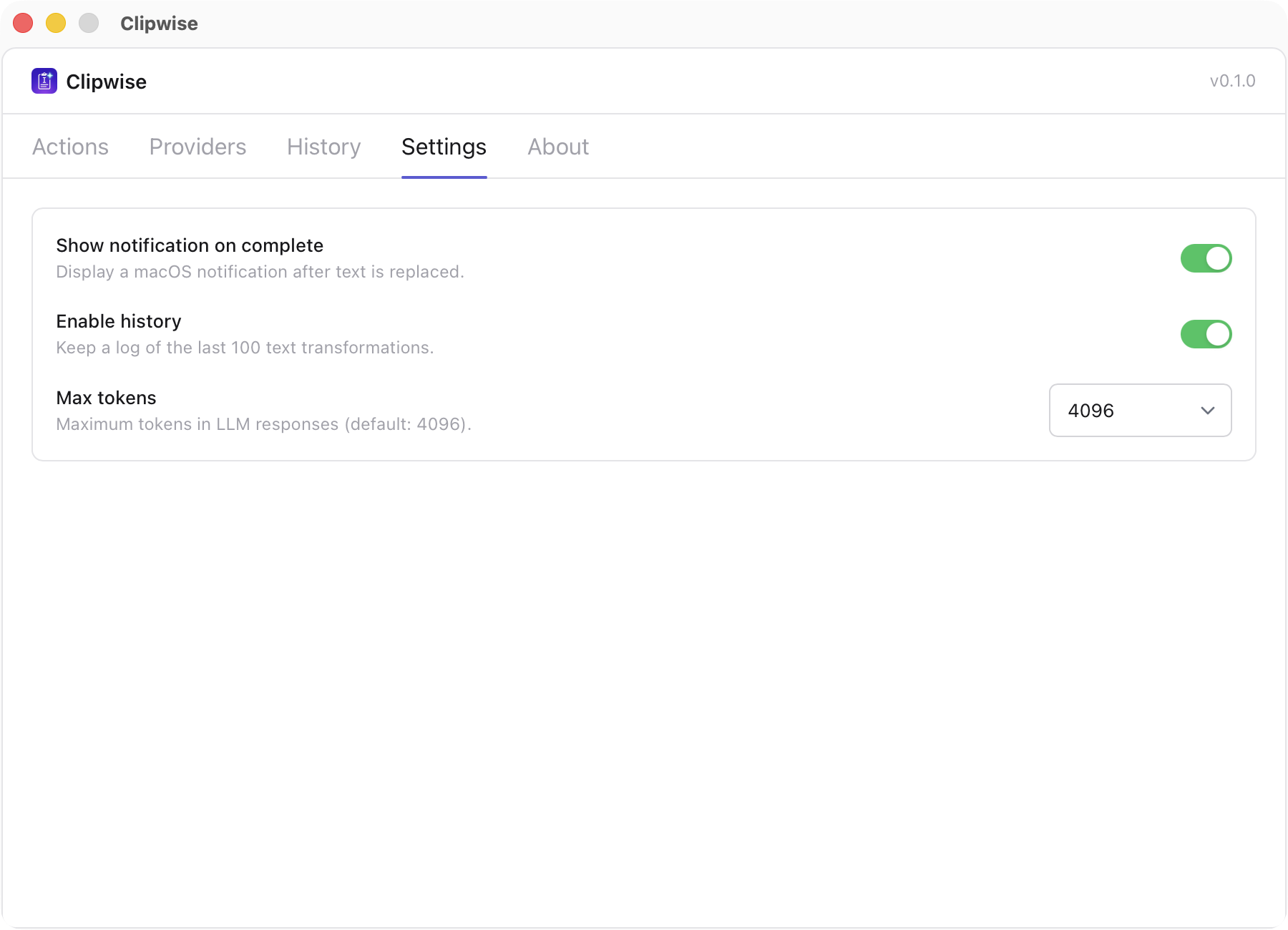
Enable history when you want it, then search transformations, filter by status, star useful results, copy details, or purge everything.
06
API keys and custom header values live in macOS Keychain. Existing plaintext credentials migrated automatically in v0.3.0.
Product
Workflow
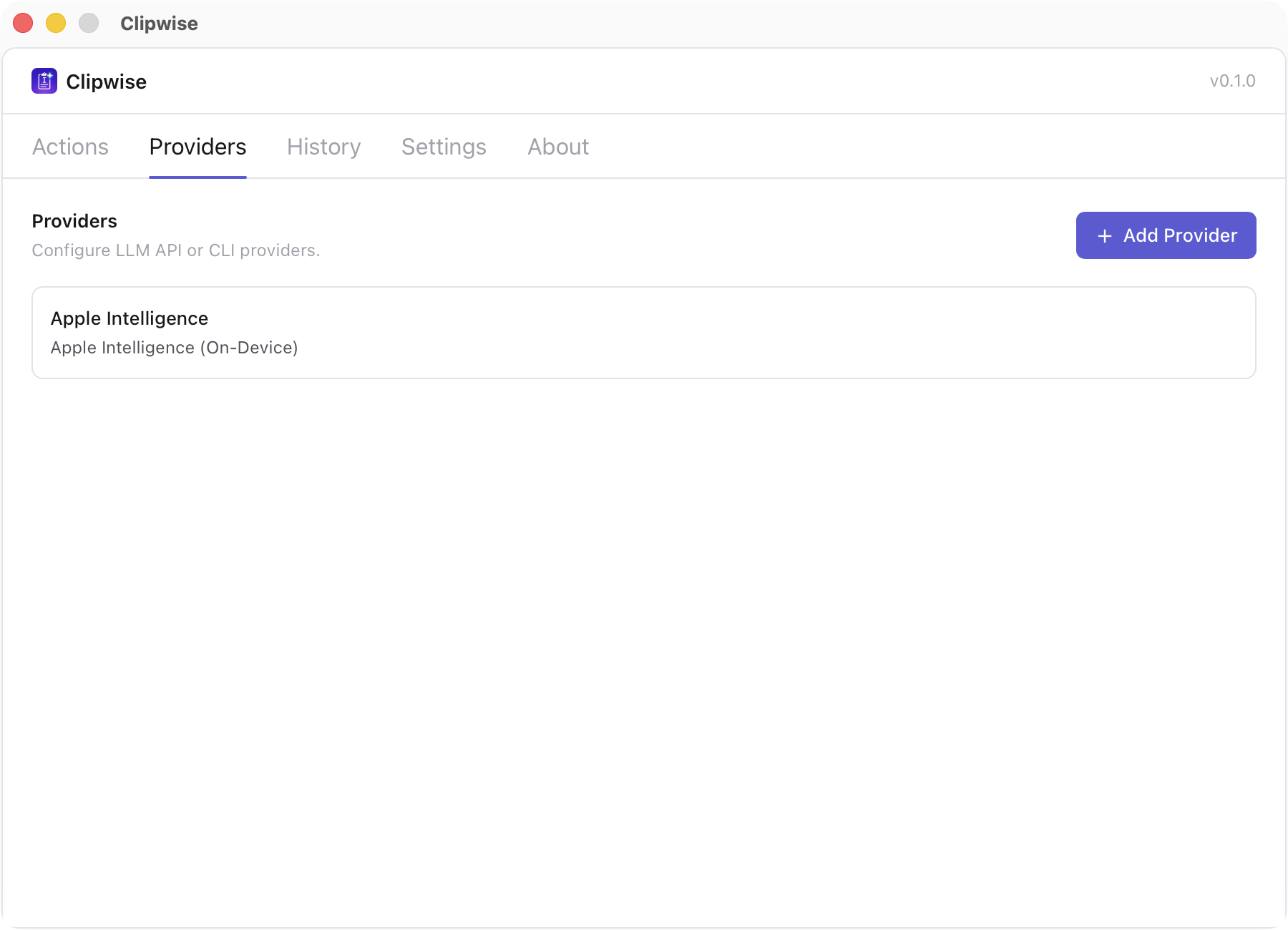
Apple Intelligence is auto-detected. Or add an API provider with your own key, or a local CLI tool in the direct-download build.
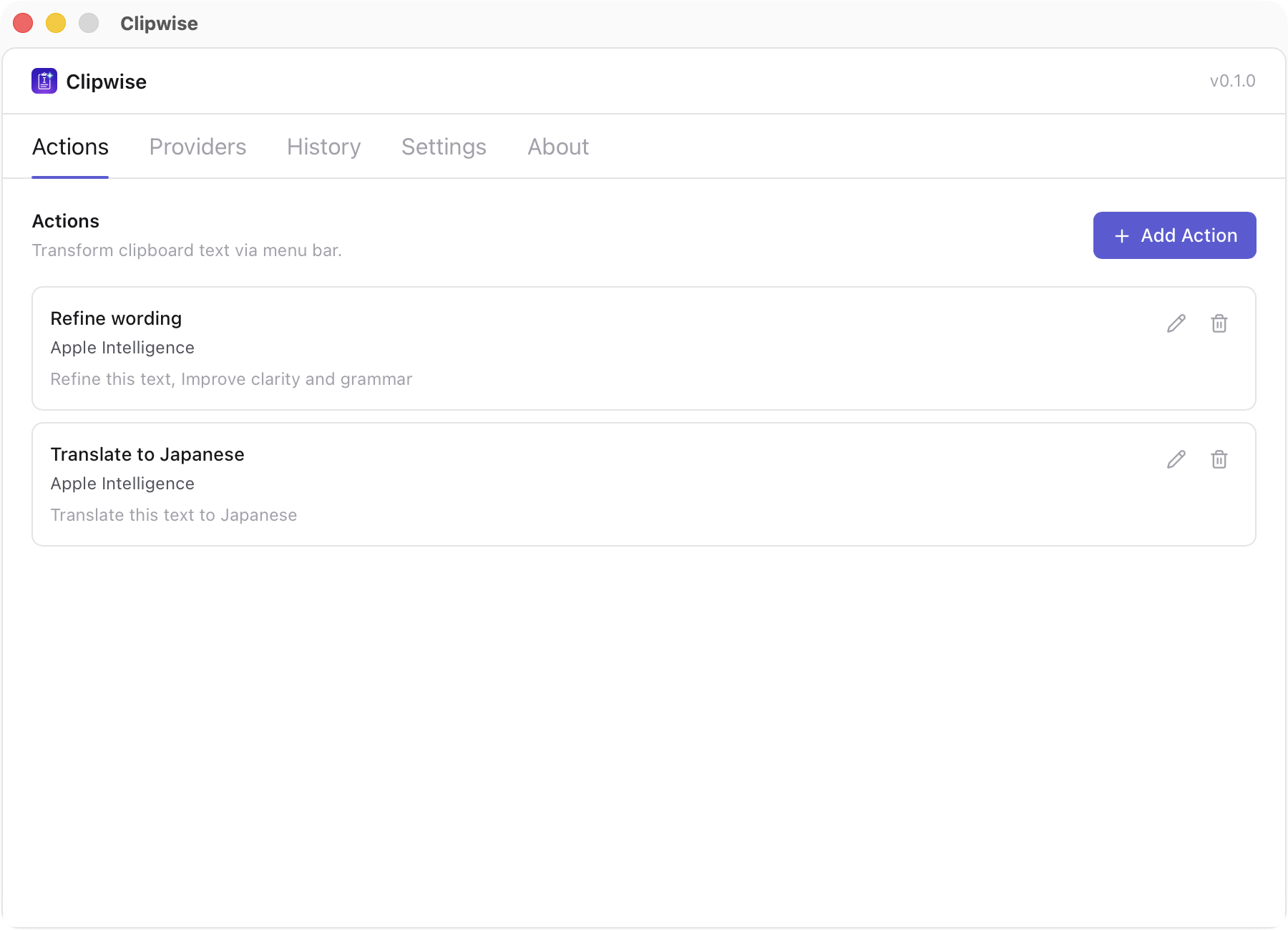
Define a prompt and pick a provider. "Refine wording," "Translate to Japanese," or any custom transformation.
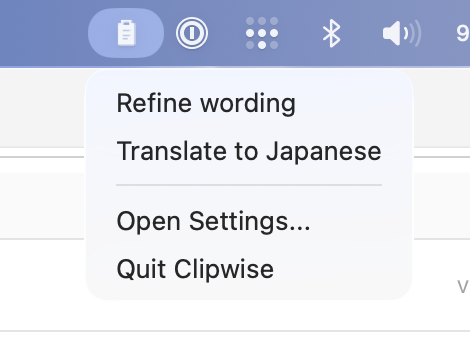
Copy text anywhere, click the Clipwise menu bar icon, select an action, and paste the result.
Privacy
Clipwise is local-first. No sign-up, no hosted relay, no analytics. Settings stay local, credentials are protected by macOS Keychain, and history is opt-in. Apple Intelligence runs on-device; cloud providers receive text only when you choose them.
What Clipwise optimizes for
Download
The Mac App Store is recommended for automatic updates. The free direct build supports local CLI providers and can also be installed with Homebrew.
Direct Download · v0.5.0
Signed, notarized universal build for macOS 26 and later.
Cloud API providers require your own key and may charge separately. Apple Intelligence requires a supported Mac with Apple Intelligence enabled.
Download for macOSMac App Store
Support ongoing development with an App Store-managed install.
Includes the same core actions, history, and API providers as the direct build. Local CLI providers are unavailable because of App Store sandboxing. Provider charges may apply.
Download on the Mac App StoreFAQ
Only if you use a cloud provider like OpenAI or Anthropic. With Apple Intelligence, everything runs on-device — no connection needed.
Apple Intelligence (auto-detected on supported Macs), OpenAI-compatible endpoints, Anthropic, and local CLI tools like claude and copilot.
Clipwise has no hosted backend, telemetry, or analytics. Settings stay on your Mac, API credentials are protected by macOS Keychain, and history is off by default. Text is sent to the provider you choose; Apple Intelligence processes it on-device.
Yes. Actions are reusable prompt + provider combinations. You can create as many as you need for different tasks.
Clipwise requires macOS 26 or later. The direct download is a universal build for Apple Silicon and Intel Macs.
Clipwise is free to download directly. The $0.99 Mac App Store version supports development and provides automatic updates. Because of App Store sandboxing, local CLI providers are available only in the direct-download build.
Download the macOS app, set up a provider, and start transforming text from your menu bar.